
The All New AWS Glue Studio

Up until now, AWS provided a visual representation of your code but never really allowed you to build using a “Drag and Drop” approach so the Glue Studio is a welcome addition.
The AWS Glue Studio help has the crispest user manual of the newest offering. The below literature is courtesy AWS
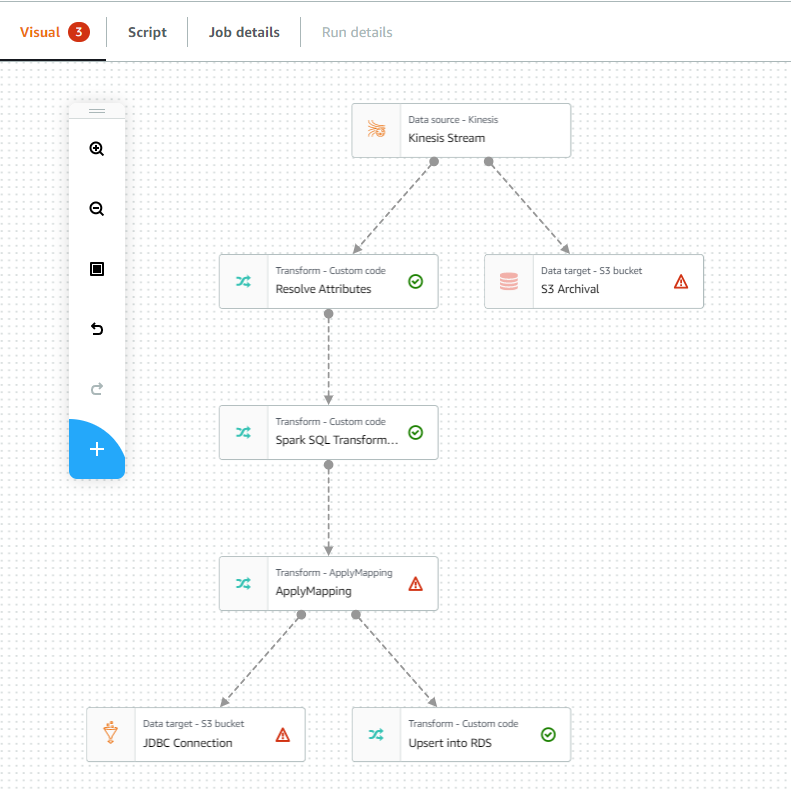
The graph provides a visual representation of your job, with nodes for each task. A data source node reads in the data. A transform node implements modifications to the dataset. A data target node writes the transformed dataset.
Use the floating toolbar to manipulate the graph. This toolbar helps you to:
- Zoom in and zoom out
- Undo and redo changes made to the graph
- Add and remove nodes

When you choose a node in the graph, the right-side panel changes to display three tabs: Node properties, Output schema, and a third panel which changes, depending on the type of node. It can be Data source properties, Transform, or Data target properties.
At the top of the graph, there are also tabs.

- The Visual tab is the starting point for creating and editing jobs.
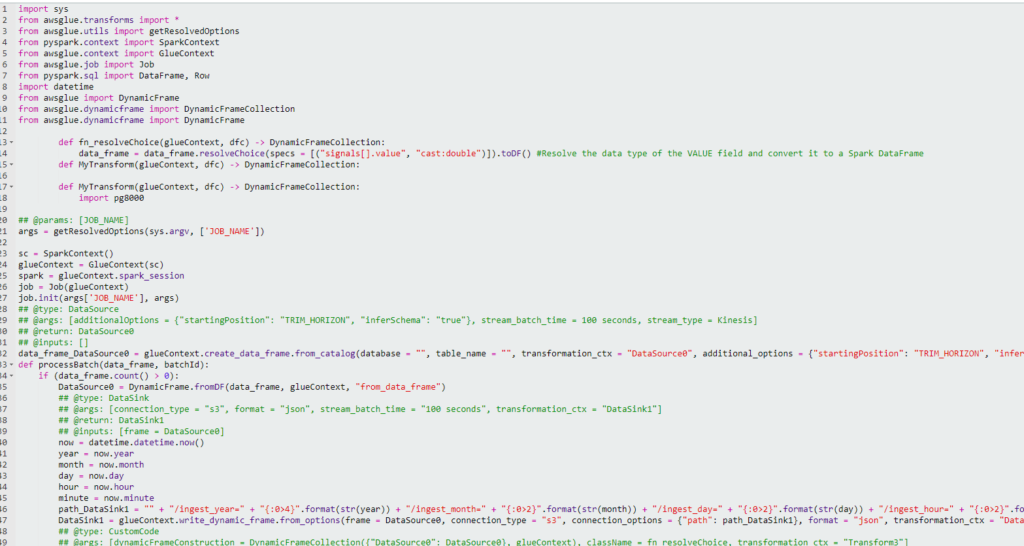
- The Script tab allows you to view the generated script.
- The Job details tab is where you provide information about the job, the environment in which the job runs, and other properties of the job.
- The Run details tab is where you view the recent job runs for this particular job.
Below is something I quickly laid out. On the left is the graph I created and on the right is the Glue script that AWS generated for me. This script is read-only on this pane. You can always customize it later on to add more custom logic into the script but for basic ETL, this would suffice.
This is a great addition to AWS Glue especially in a world where No Code / Low Code ETL technologies based on the SaaS paradigm are gathering steam. At this point, the biggest arguments against Glue are
- Its relative lack of talent and expertise
- Steep learning curve
- Disheartening start-up times
- High price
With the visual editor, AWS is making the right moves by addressing the first 2 issues. I hope they keep building on it. A mature visual editor would give most SaaS ETL tools a run for their money given the scalability of Glue and its Spark core.
With the visual editor, AWS should be able to solve the first 2 issues. AWS should try to keep enhancing this and